---
title: Build an app with SolidStart and Bun
sidebarTitle: "SolidStart with Bun"
mode: center
---
SolidStart currently relies on Node.js APIs that Bun does not yet implement. The guide below uses Bun to initialize a
project and install dependencies, but it uses Node.js to run the dev server.
---
Initialize a SolidStart app with `create-solid`.
```sh terminal icon="terminal"
bun create solid my-app
```
```txt
create-solid version 0.2.31
Welcome to the SolidStart setup wizard!
There are definitely bugs and some feature might not work yet.
If you encounter an issue, have a look at
https://github.com/solidjs/solid-start/issues and open a new one,
if it is not already tracked.
✔ Which template do you want to use? › todomvc
✔ Server Side Rendering? … yes
✔ Use TypeScript? … yes
cloned solidjs/solid-start#main to /path/to/my-app/.solid-start
✔ Copied project files
```
---
As instructed by the `create-solid` CLI, let's install our dependencies.
```sh terminal icon="terminal"
cd my-app
bun install
```
---
Then run the development server.
```sh terminal icon="terminal"
bun run dev
# or, equivalently
bunx solid-start dev
```
---
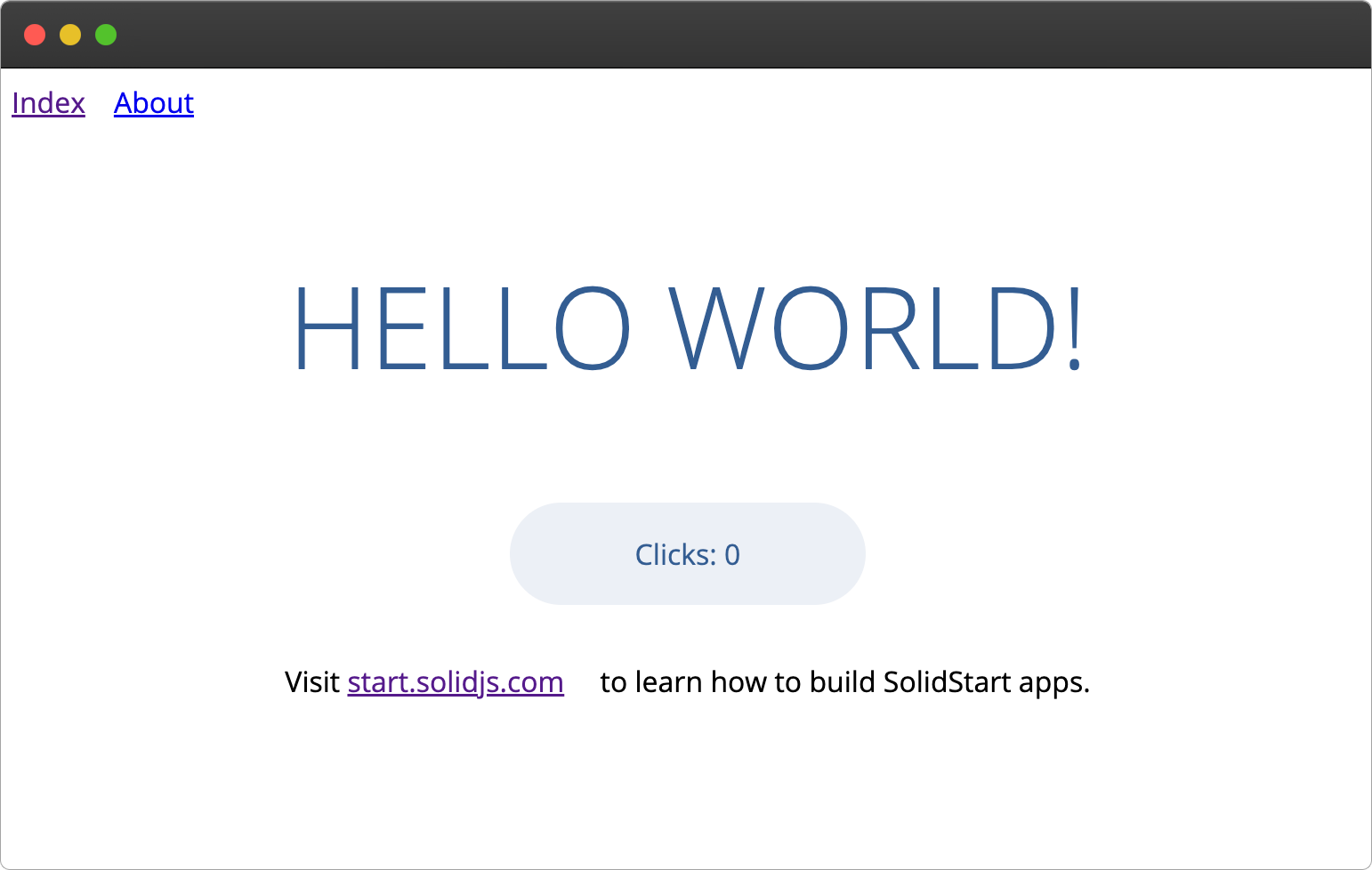
Open [localhost:3000](http://localhost:3000). Any changes you make to `src/routes/index.tsx` will be hot-reloaded automatically.
---
Refer to the [SolidStart website](https://start.solidjs.com/getting-started/what-is-solidstart) for complete framework documentation.