mirror of
https://github.com/oven-sh/bun
synced 2026-02-02 15:08:46 +00:00

115 lines
3.9 KiB
Plaintext
115 lines
3.9 KiB
Plaintext
---
|
||
title: Build an app with Qwik and Bun
|
||
sidebarTitle: Qwik with Bun
|
||
mode: center
|
||
---
|
||
|
||
Initialize a new Qwik app with `bunx create-qwik`.
|
||
|
||
The `create-qwik` package detects when you are using `bunx` and will automatically install dependencies using `bun`.
|
||
|
||
```sh terminal icon="terminal"
|
||
bun create qwik
|
||
```
|
||
|
||
```txts
|
||
............
|
||
.::: :--------:.
|
||
.:::: .:-------:.
|
||
.:::::. .:-------.
|
||
::::::. .:------.
|
||
::::::. :-----:
|
||
::::::. .:-----.
|
||
:::::::. .-----.
|
||
::::::::.. ---:.
|
||
.:::::::::. :-:.
|
||
..::::::::::::
|
||
...::::
|
||
|
||
|
||
┌ Let's create a Qwik App ✨ (v1.2.10)
|
||
│
|
||
◇ Where would you like to create your new project? (Use '.' or './' for current directory)
|
||
│ ./my-app
|
||
│
|
||
● Creating new project in /path/to/my-app ... 🐇
|
||
│
|
||
◇ Select a starter
|
||
│ Basic App
|
||
│
|
||
◇ Would you like to install bun dependencies?
|
||
│ Yes
|
||
│
|
||
◇ Initialize a new git repository?
|
||
│ No
|
||
│
|
||
◇ Finishing the install. Wanna hear a joke?
|
||
│ Yes
|
||
│
|
||
○ ────────────────────────────────────────────────────────╮
|
||
│ │
|
||
│ How do you know if there’s an elephant under your bed? │
|
||
│ Your head hits the ceiling! │
|
||
│ │
|
||
├──────────────────────────────────────────────────────────╯
|
||
│
|
||
◇ App Created 🐰
|
||
│
|
||
◇ Installed bun dependencies 📋
|
||
│
|
||
○ Result ─────────────────────────────────────────────╮
|
||
│ │
|
||
│ Success! Project created in my-app directory │
|
||
│ │
|
||
│ Integrations? Add Netlify, Cloudflare, Tailwind... │
|
||
│ bun qwik add │
|
||
│ │
|
||
│ Relevant docs: │
|
||
│ https://qwik.dev/docs/getting-started/ │
|
||
│ │
|
||
│ Questions? Start the conversation at: │
|
||
│ https://qwik.dev/chat │
|
||
│ https://twitter.com/QwikDev │
|
||
│ │
|
||
│ Presentations, Podcasts and Videos: │
|
||
│ https://qwik.dev/media/ │
|
||
│ │
|
||
│ Next steps: │
|
||
│ cd my-app │
|
||
│ bun start │
|
||
│ │
|
||
│ │
|
||
├──────────────────────────────────────────────────────╯
|
||
│
|
||
└ Happy coding! 🎉
|
||
|
||
```
|
||
|
||
---
|
||
|
||
Run `bun run dev` to start the development server.
|
||
|
||
```sh terminal icon="terminal"
|
||
bun run dev
|
||
```
|
||
|
||
```txt
|
||
$ vite--mode ssr
|
||
|
||
VITE v4.4.7 ready in 1190 ms
|
||
|
||
➜ Local: http://localhost:5173/
|
||
➜ Network: use --host to expose
|
||
➜ press h to show help
|
||
```
|
||
|
||
---
|
||
|
||
Open [http://localhost:5173](http://localhost:5173) with your browser to see the result. Qwik will hot-reload your app as you edit your source files.
|
||
|
||
<Frame>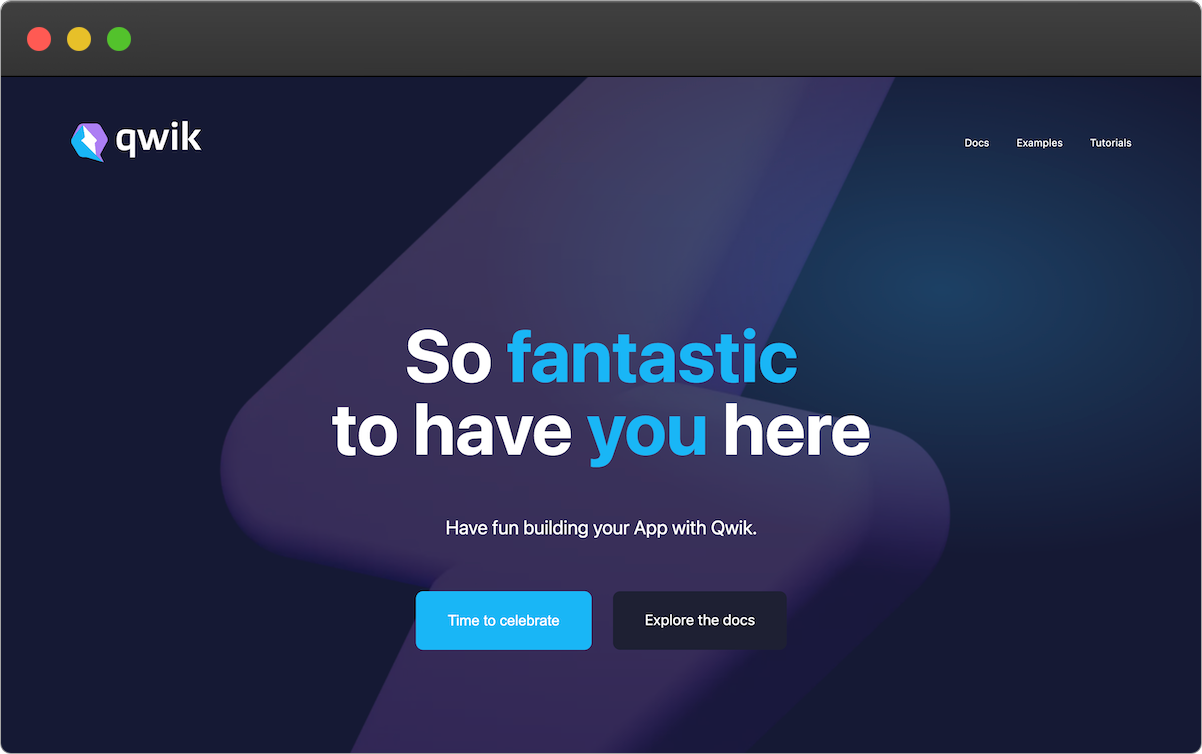</Frame>
|
||
|
||
---
|
||
|
||
Refer to the [Qwik docs](https://qwik.dev/docs/getting-started/) for complete documentation.
|